Give your ideas
their own shape.
Aura is the creative side of the workflow: generate video, edit what you have, make focused clips, and reframe your work for its next destination.
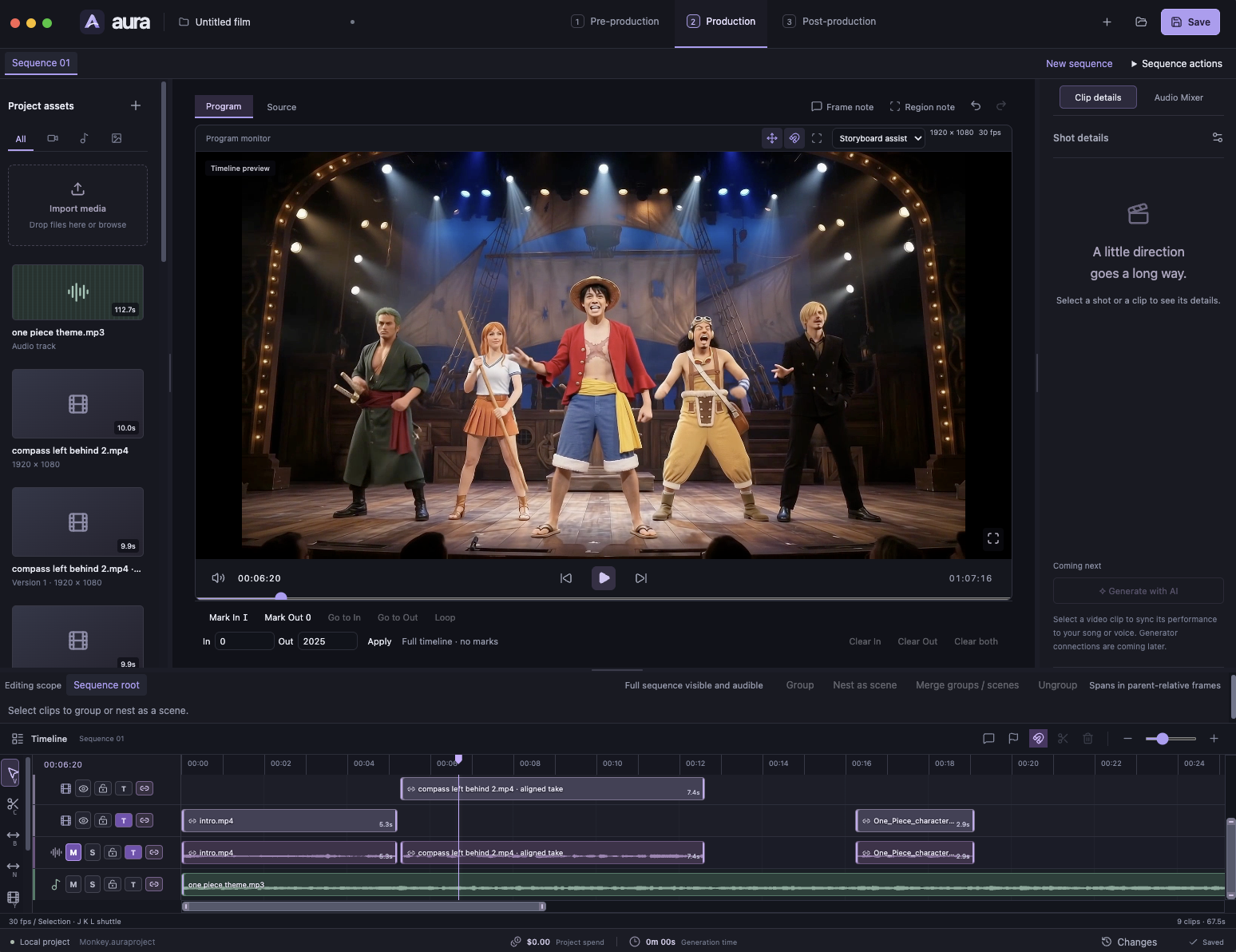
One idea.
A few new angles.
Start with a direction or existing media. Aura handles the transformations that turn that material into a video worth sharing.
- Create and edit
Shape a new video or refine the material you already have.
- Find the right cut
Turn selected moments from a longer source into focused clips.
- Fit the destination
Reframe and resize the media for the formats the workflow needs.
Make in Aura.
Organize in Socialight.
Aura owns media creation and editing. Socialight hands over a clear production brief, receive the resulting assets, and coordinate the work around publication.
A clear handoff, with context.
The brief carries the selected source, clip ranges, caption needs, and output formats. Aura produces the media; Socialight prepares the titles, descriptions, summaries, and thumbnails for each destination.
Keep the creative decisions in Aura and the channel operation in Socialight, with a clear handoff between them.
Follow an idea through both productsA few useful distinctions.
Find the right tool for each part of your workflow.
Does Socialight include a second video editor?
No. Video generation, editing, clipping, effects, and reframing belong in Aura. Socialight coordinates the channel operation around those assets.
Can any public video link become a clip?
A public URL does not guarantee access to usable source media. The workflow requires a local file or an authorized, supported source, along with appropriate rights and attribution.
What passes between Aura and Socialight?
The channel brief, selected source material, clip ranges, captions, and required formats give Aura the context for production. Socialight takes the resulting media into publication and ongoing management.
Two tools. One creative direction.
Find the right place to begin.